Bookings & Guest ManagementGuest-experience teams and operatorsguest-communicationValidated 73a3bb9
Coordinate guest follow-up across chat, mailbox, and booking context
Use guest conversations, mailbox threads, and booking context together so communication stays tied to real operational work.
Before you start
The best guest communication is operationally grounded. Keep the booking context close to the conversation.
- A property is selected.
- The booking or guest thread already exists.
When to use this article
- A guest thread needs a response with booking context.
- The team is moving between guest records and mailbox work.
- A follow-up should stay visible to operations, not just one teammate.
Applies to
- Guests
- Mailbox
- Chat
Roles
- Admin
- Manager
- Editor
Work the conversation from the right context
- 1
Open the guest or mailbox workflow for the active property.
- 2
Confirm which booking or stay the conversation belongs to.
- 3
Review the latest messages before sending a new response.
- 4
Update the associated operational workflow if the conversation changes the next action.
Reduce communication drift
- Keep one source of truth for the operational state and let communication point back to it.
- Use mailbox and chat to move the guest forward, not to replace task or booking records.
- Escalate only after the conversation and underlying record are both current.
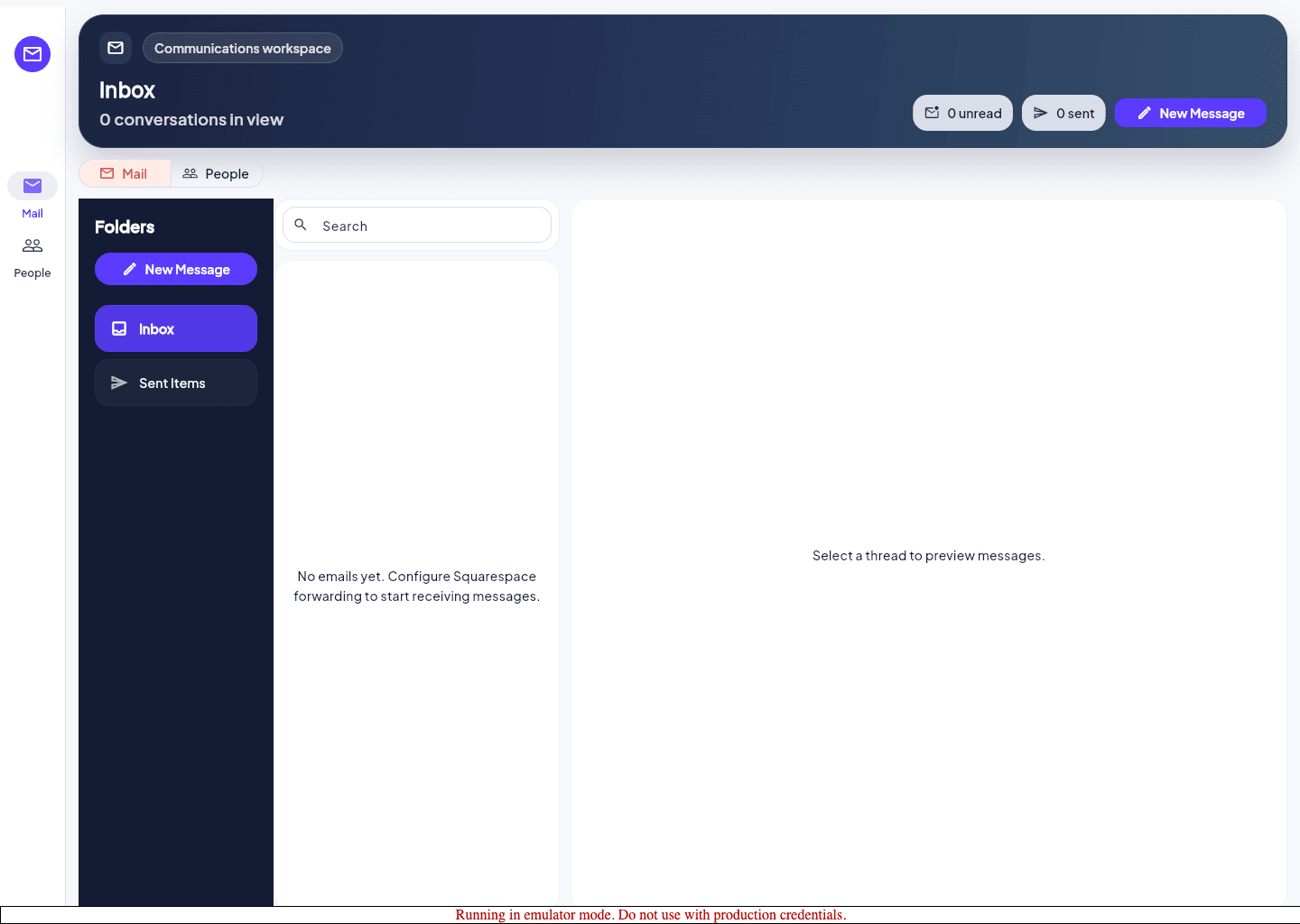
Expected result
- The guest conversation stays linked to the right property and stay context.
- A teammate can pick up the thread without reconstructing the situation from scratch.
Troubleshooting
- If the mailbox opens but the expected guest thread is missing, confirm property scope and check the booking record before escalating.
- Avoid copying the same update into three different places unless each workflow needs a true state change.
- Use the support contact path when the issue is account-level rather than guest-specific.
Guided screenshots
Reference views for this workflow.

