Demo environmentWorkspace: demoadmin.rent-radar.com
Daily OperationsAdmins, managers, operations staffmaintenance-and-incidentsValidated 73a3bb9

Track maintenance and incidents from first report to resolution

Use maintenance and incident views to keep operational issues visible, acknowledged, and updated in the right property scope.

Before you start

This workflow is where operational urgency should become clear, not more ambiguous.

  • A property is selected.
  • Your role can access maintenance or incidents.

When to use this article

  • The property has upcoming maintenance work or a live issue.
  • An incident must be acknowledged and tracked visibly.
  • You need a reliable handoff between field observation and admin follow-up.

Applies to

  • Maintenance
  • Incidents
  • Operational escalation

Roles

  • Admin
  • Manager
  • Editor
  • Inspector

Review the current issue load

  1. 1

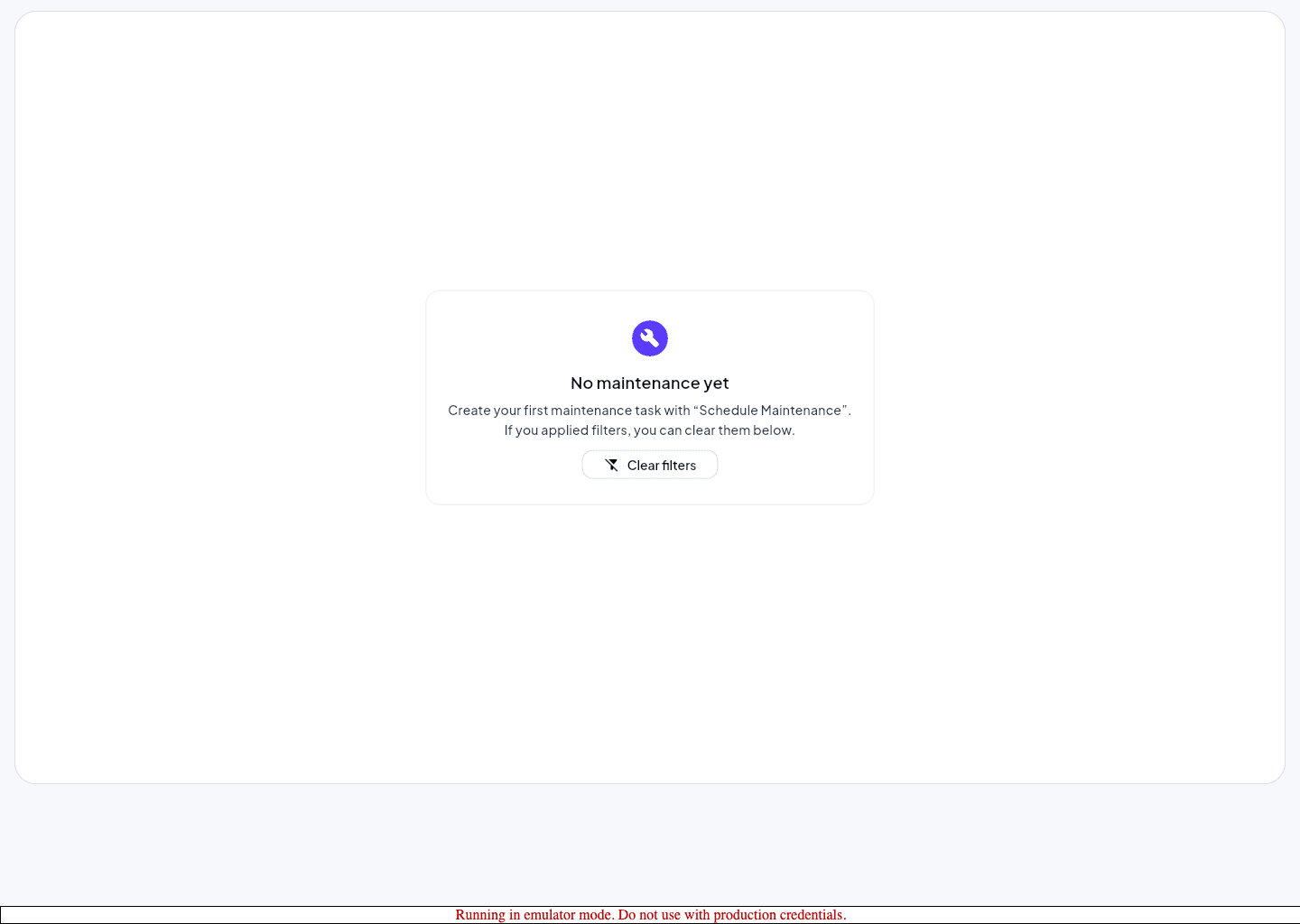
    Open Maintenance and review scheduled or open work first.

  2. 2

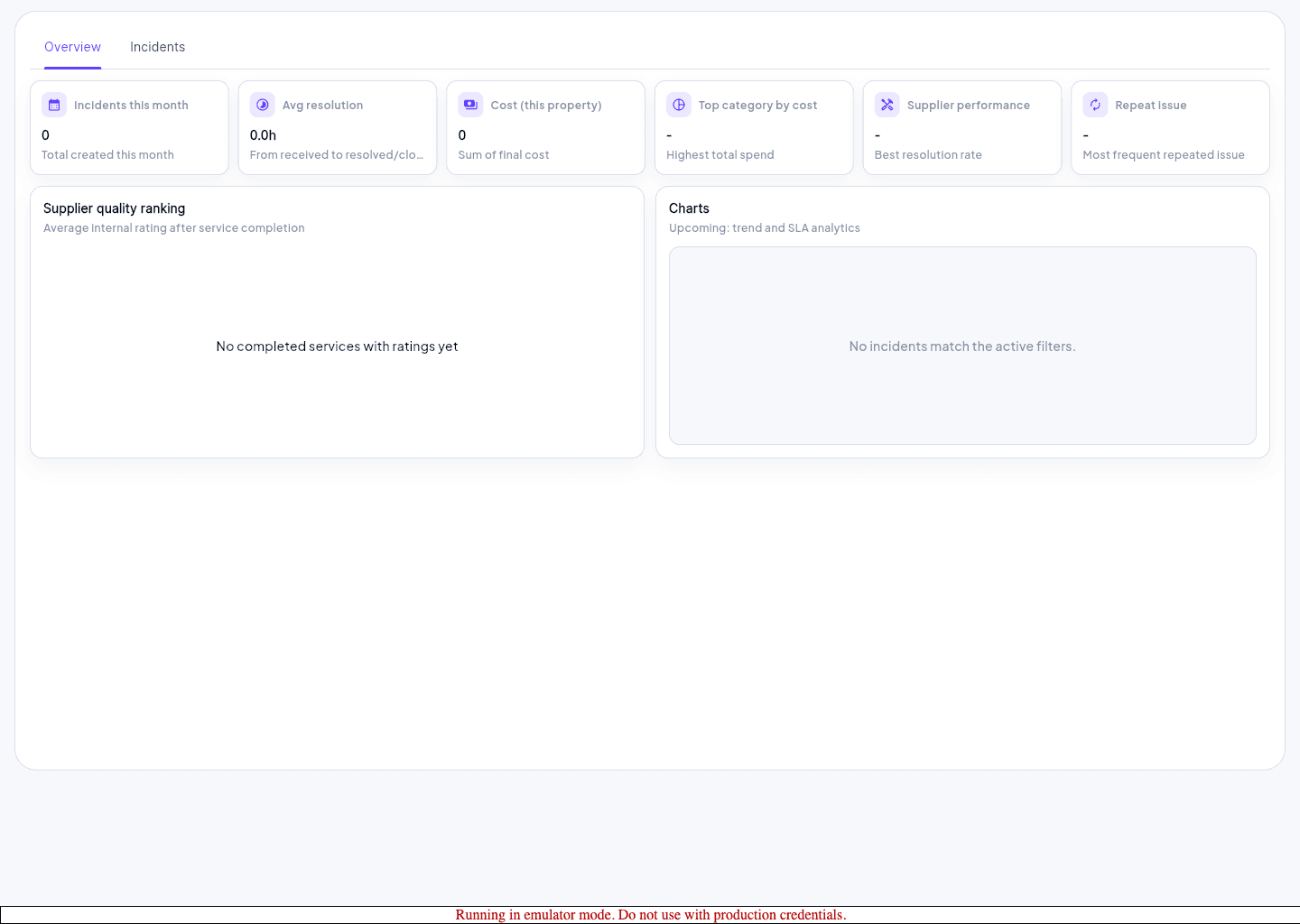
    Move to Incidents when the issue requires exception tracking or acknowledgement.

  3. 3

    Confirm the item belongs to the active property before updating status.

  4. 4

    Record the latest status, owner, or next action so the queue stays current.

Keep resolution visible

  • Use explicit status changes rather than assuming teammates saw a message elsewhere.
  • Escalate repeated or severe incidents through the support path with property and route context attached.
  • Return to tasks or notifications only after the maintenance or incident record is current.
Expected result

  • Open issues are visible in the right property scope.
  • The team can tell what is new, acknowledged, scheduled, or resolved.

Troubleshooting

  • If the incident page is empty for one user but not another, verify role capability before duplicating the record.
  • Use maintenance for planned work and incidents for operational exceptions when the distinction matters for reporting.
  • Treat a missing route as a scope or access problem first.

Guided screenshots

Reference views for this workflow.

incidents workspace
Step 1: incidents workspace
maintenance calendar
Step 2: maintenance calendar
maintenance workspace
Step 3: maintenance workspace